Map Navigation
Considerable improvements have been made to the map's default behaviour, making it far easier for the user to interact with the map:
- hold the left mouse button, and drag the map to pan in any direction
- double-click to zoom in
- scroll the mouse wheel up/down to zoom in/out
- zoom to a box using Shift-left mouse button, then draw a rectangle
Other navigation options include:
- use the navigation buttons on the Toolbar
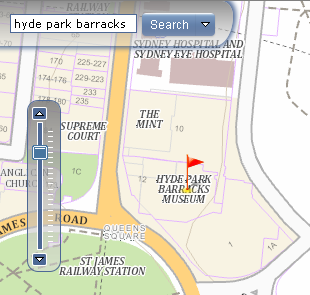
- zoom in/out using the Zoom Bar at the top left of the map
- search for a location using the Search function
- search for Government properties using the Property No or Property Name