
Tips and Tricks
The following tips and tricks will help you to obtain the most from the SIX Maps 2.0 solution.
Options when the map first opens:
- choose to open the map at the previous extent
- choose whether to display the welcome message
- this dialog may be accessed from the Help option on the main toolbar

Manage popup Tool windows
- popup windows may be dragged anywhere within the map
- double-click the title bar of a popup window to minimise it (rather than closing it)
- double-click again to re-open the dialog
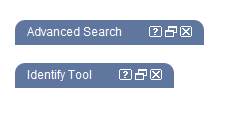
- see help specific to a tool by clicking the ? icon on its title bar